Workspaces, a VPN & More – Learn the Newest Microsoft Edge Features
 MFC
MFC
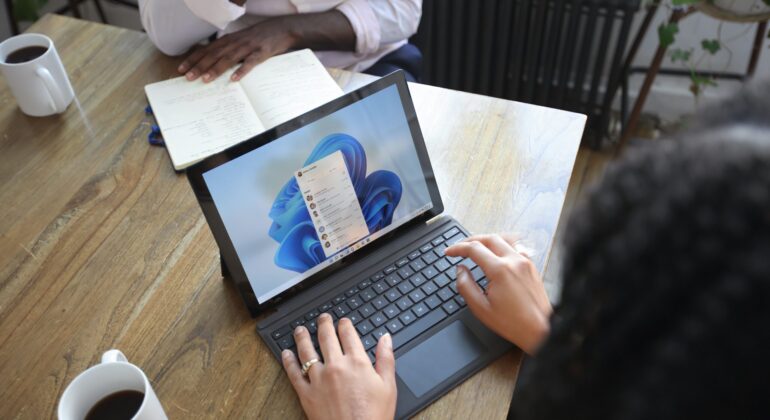
Microsoft Edge continues to redefine user experiences. This is due to Microsoft’s commitment to innovation. The latest updates bring a host of features. These are designed to enhance productivity, security, and browsing satisfaction. Chrome may have been number one for years. But Edge has been …
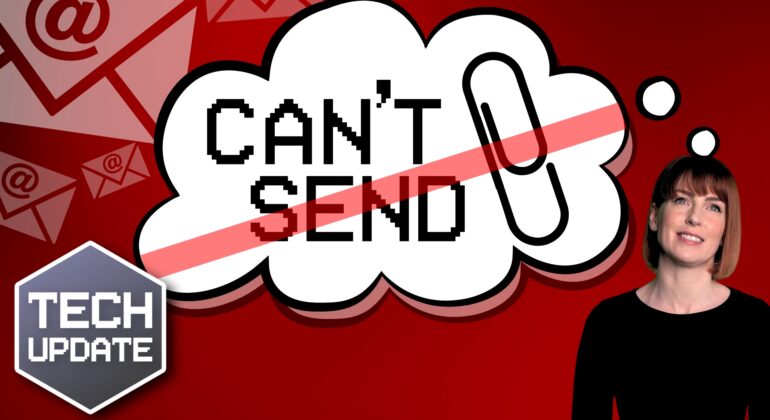
And breathe… the “file too large to send” problem is over
Microsoft finally has a fix for one of the oldest and most frustrating problems in Outlook – when the file you’re trying to send is too big. Here’s what’s changing in the next few weeks and how it affects you. …
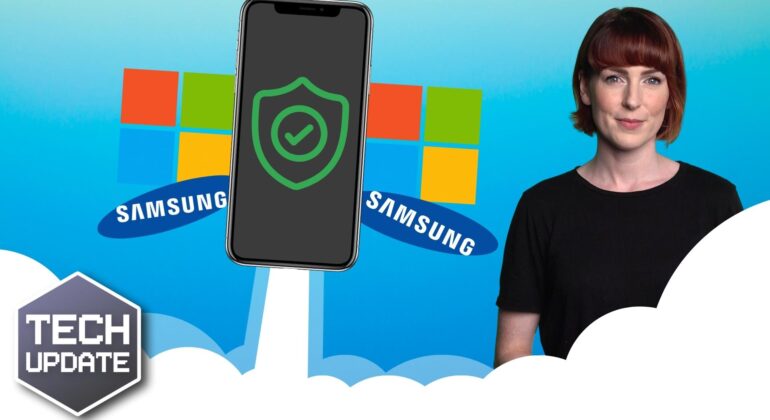
Microsoft and Samsung team up to boost work phone security
Microsoft and Samsung have joined forces to keep the data on your work mobiles safe and secure. We give you all the details …
Is that Microsoft email actually a phishing attack?
Which company has become the #1 most imitated in phishing scams? We’ll tell you more… …
Browse with confidence: Microsoft Edge’s security boost
We explain how Microsoft Edge is introducing some new security-boosting features to help you stay one step ahead. …
The final curtain call for Windows 10: What you need to know
Microsoft has announced there will be no new feature updates for Windows 10 so maybe it’s time to upgrade to Windows 11. Our latest video will help you make up your mind. …
Microsoft hints at some exciting Windows 12 developments
Windows 11 still feels like a new toy, yet we’ve already heard speculation about Windows 12 arriving as soon as next year. It’s all we can think about! …

Microsoft 365 makes Multi-Factor Authentication easier
Microsoft is planning to enable Multi-Factor Authentication (MFA) directly in its Outlook app for many 365 business users. …

Could avatars make your Teams meetings more fun?
Do you inwardly (or outwardly) groan at the thought of yet another video call? They’re now a normal part of our working lives, but it doesn’t make them any more exciting. Good news: Microsoft is introducing Metaverse-style avatars, called Mesh avatars, to Teams. You’ll be …
You need this feature if your browser looks like this
We all have different ways of working. Some of us prefer to have a minimal amount of things displayed on our screens. Others thrive when everything is open and in sight. But we can all agree that having 20 tabs open in your browser at …